📘 Facebook Page ID & Token Checker
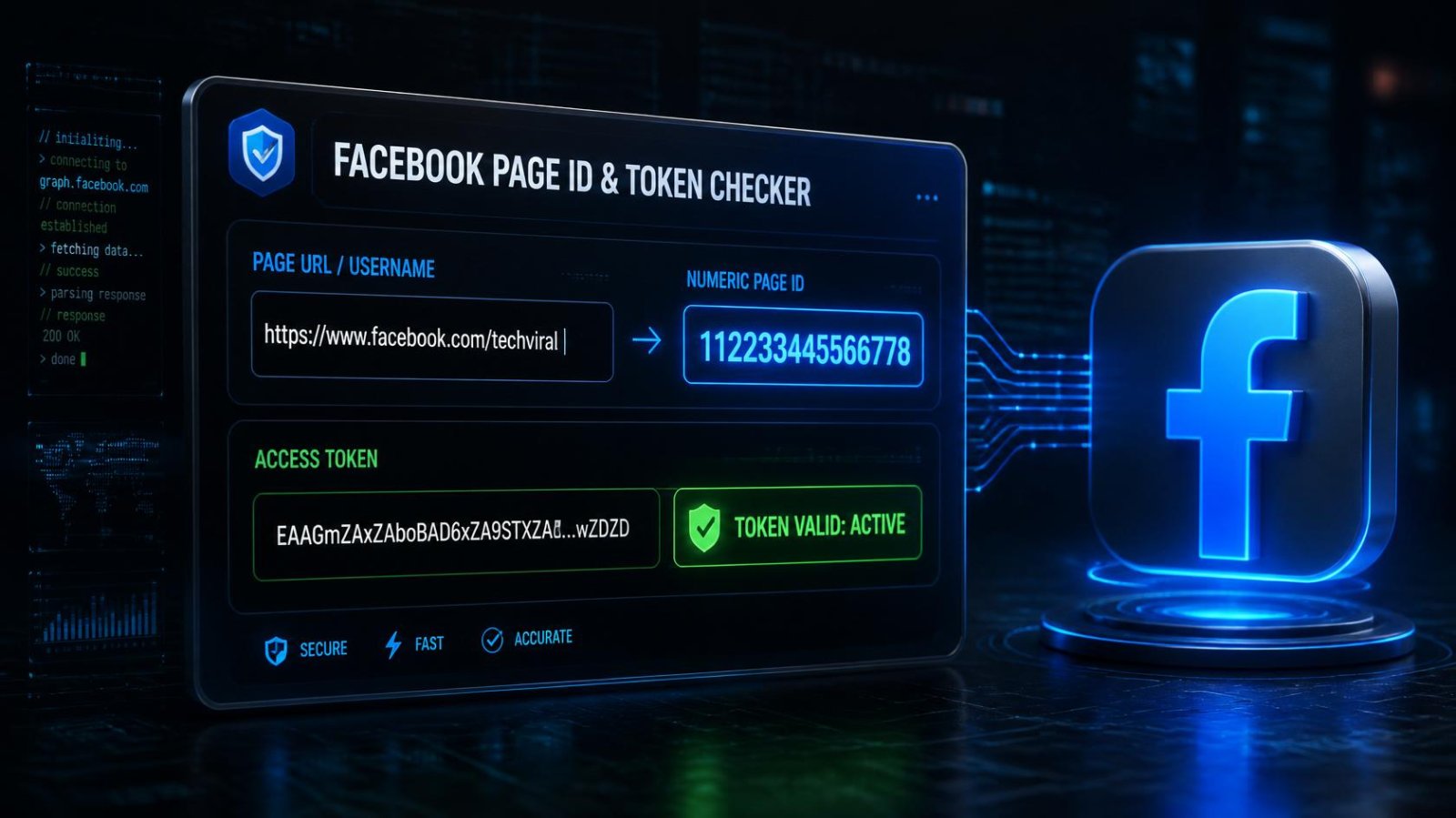
Paste a Facebook Page URL or username to find its real numeric Page ID, and validate that your access token actually works.
Live Graph API check
Nothing stored
Just find a Page ID (no token needed)
Paste a Page URL or username — no access token required for this quick lookup.
Page URL or username, and access token
Leave blank to just validate the token against your own Page identity.
Get this from Meta for Developers → your app → Tools → Graph API Explorer.
How to get a Page Access Token
- Go to developers.facebook.com and create or open an app under "My Apps".
- In your app's dashboard, go to Tools → Graph API Explorer.
- In the top-right dropdown, select your app, then click "Get Token" → "Get Page Access Token".
- Choose the Page you manage, and grant the requested permissions (e.g.
pages_show_list,pages_read_engagement). - Copy the generated token from the "Access Token" field at the top — paste it into the field above.
⚠ Treat this token like a password. A Page Access Token can read and sometimes post on your behalf. Never share it publicly. Short-lived tokens (the default from Graph API Explorer) expire in about an hour — for a token that lasts longer, look into Meta's "long-lived token" exchange in their official documentation.
Troubleshooting common errors
"Invalid OAuth access token"
The token has expired (short-lived tokens last about an hour) or was copied incorrectly. Generate a fresh token from Graph API Explorer and try again.
"Unsupported get request" / "object does not exist"
The username or ID you entered doesn't match a real, public Facebook Page, or it's a personal profile rather than a Page (personal profiles aren't accessible this way).
"(#100) Tried accessing nonexisting field"
This usually means the token doesn't have permission to view that Page's information. Make sure you generated the token while selecting the correct Page in Graph API Explorer.
Page ID shown doesn't match what I expected
If you have multiple Pages, double check you selected the right one when generating the token, and that the username/URL you entered points to the Page you intended.
This tool only reads public Page information — it never posts, comments, or modifies anything on your behalf.