

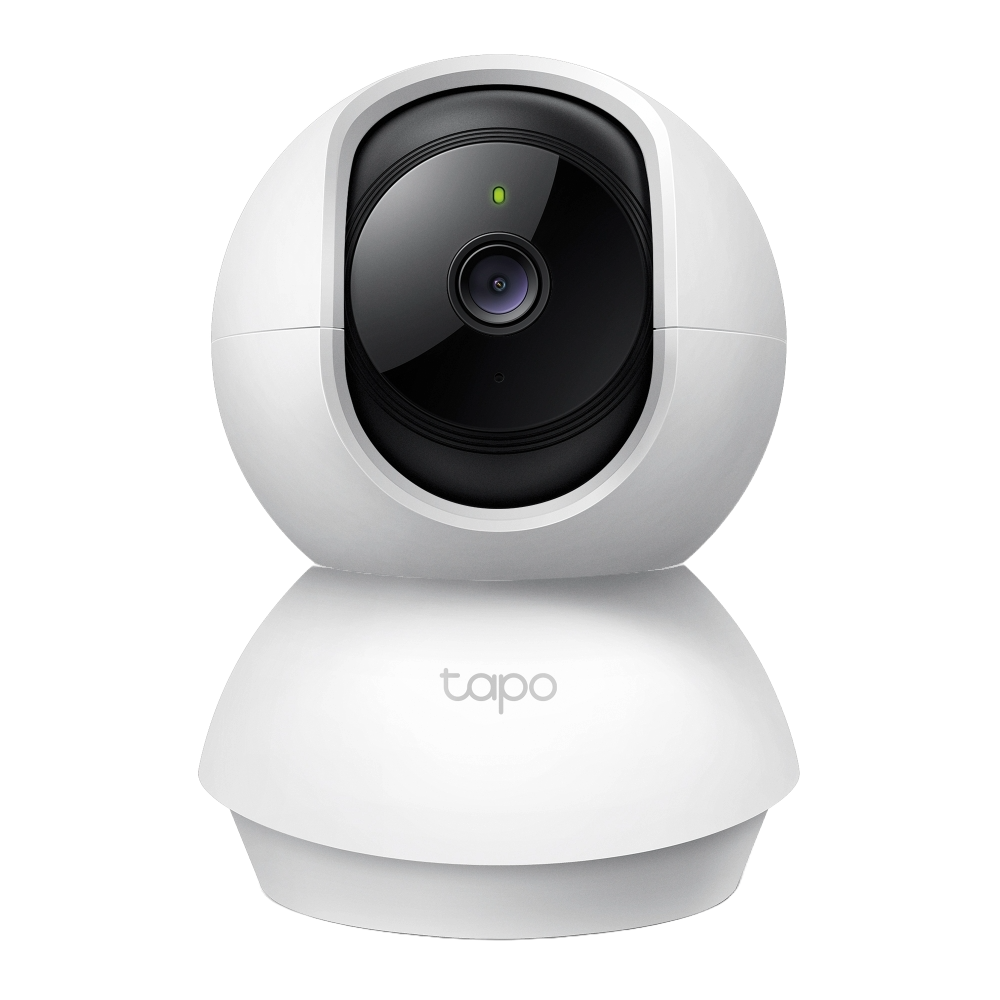
Ever wondered why your 4G security camera eats through your Jio or Airtel data plan faster than expected? Most people guess wrong — by a lot. A Reolink Go Plus running 24/7 cloud recording can consume over 13 GB per day, while the same camera on motion-only mode uses less than 0.5 GB. The difference is massive, and choosing the wrong SIM plan means your camera goes offline the moment the daily FUP limit kicks in and speed drops to 64 Kbps. Use our free 4G/5G Camera SIM Data Calculator below to find exactly how much data your specific camera model uses — per hour, per day and per month — and instantly compare Jio, Airtel, Vi and BSNL plans to find the one that actually fits your setup.
4G/5G Camera SIM Data Calculator
Find exactly how much mobile data your built-in SIM camera uses — per hour, per day and per month. Compare Jio, Airtel, Vi, BSNL and global plans instantly.
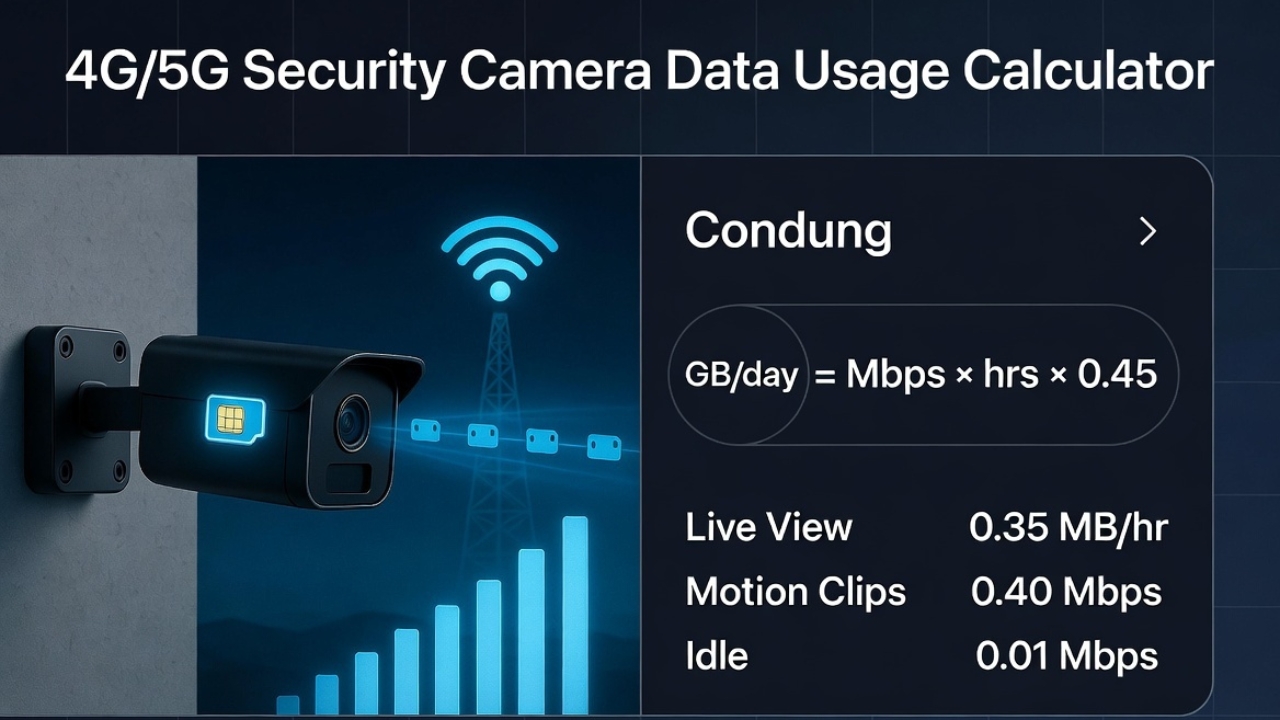
GB = Mbps × hrs × 0.45Verified formula
+~0.1 GB/dayIdle heartbeat always-on
Live + Event + CloudAll modes supported
India & GlobalMulti-currency plans
GB/day = live_data + event_data + cloud_data + idle_data
What is live viewing data?When you open your camera app to watch remotely, video streams over 4G. Uses 0.3–0.5 Mbps.
What is event upload?When motion is detected, the camera records a clip and uploads it to the cloud or your phone instantly over 4G.
What is idle data?Even when nobody watches, cameras use ~0.01 Mbps for P2P keepalive, push alerts & time sync. Adds ~0.1 GB/day.
Which plan is enough?Compare your daily GB usage against plan limits. After the daily FUP limit, most plans throttle to 64 Kbps — unusable for cameras.
—
Total cameras
—
Brands
—
4G cameras
—
5G cameras
—
Battery/solar
—
SIM plans
1. Select camera
2. Usage settings
3. Results & SIM plans





Leave a Reply